Blog by Email, version 1.1.2
Write an email. It's on your blog.
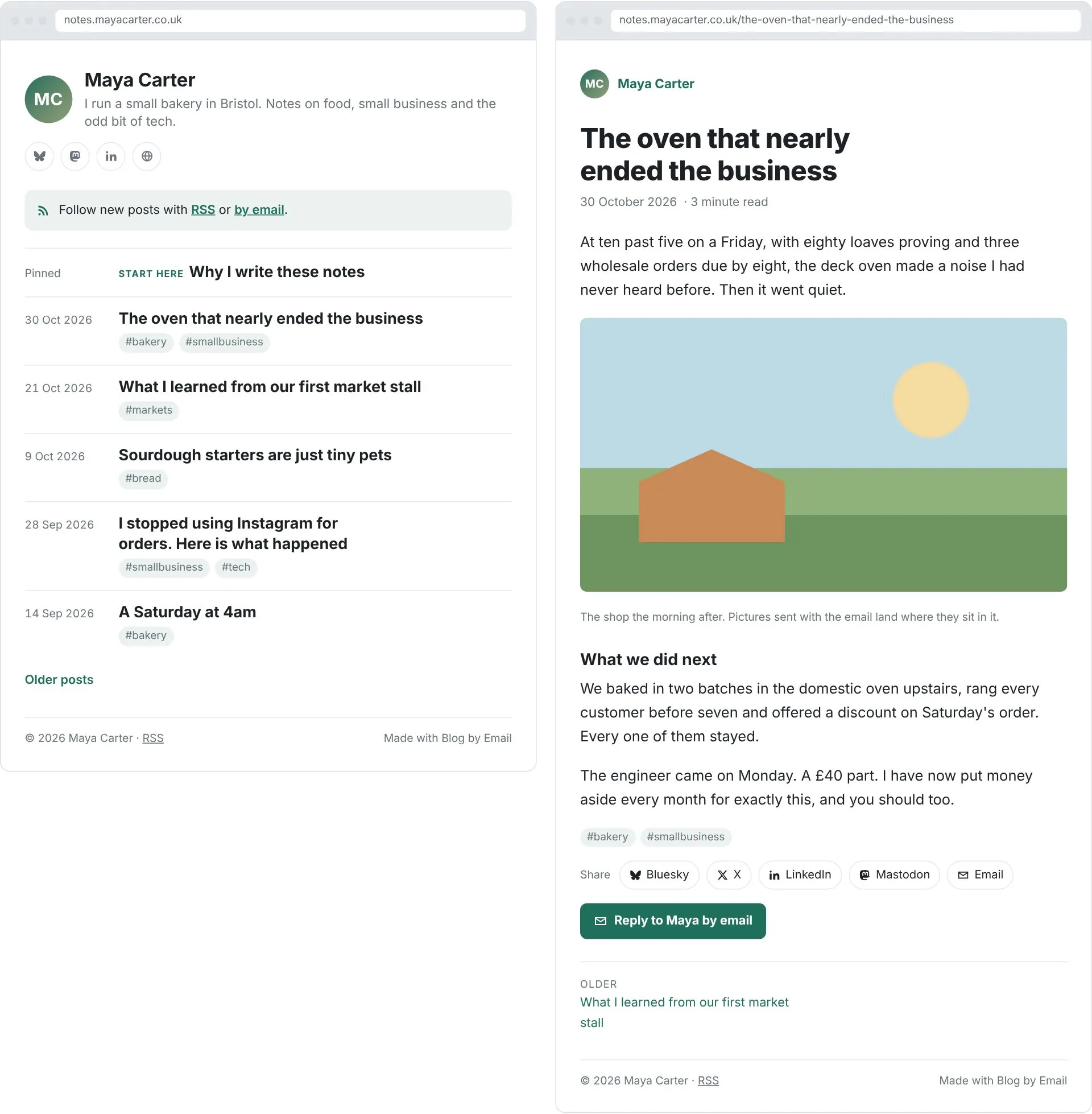
Blog by Email is a simple blog you write from your inbox. Your subject line becomes the title, your email becomes the post, and it's live a few seconds after you press send.
Free to use, privacy first. Your blog runs on your own Cloudflare account, on its free plan, and you don't need a card.
// why
Sending an email is easy. So why not email your blog?
Setting up a blog is still far too much work. Themes, plugins, updates, hosting bills and a dashboard you have to learn. Sending an email is easy. You do it every day.
// see it in action
See it in action.
Write an email, press send, and a few seconds later it's on your blog.
// features
Everything a blog needs. Nothing it doesn't.
Real screenshots of a Blog by Email blog. The person and posts are examples.
// writing
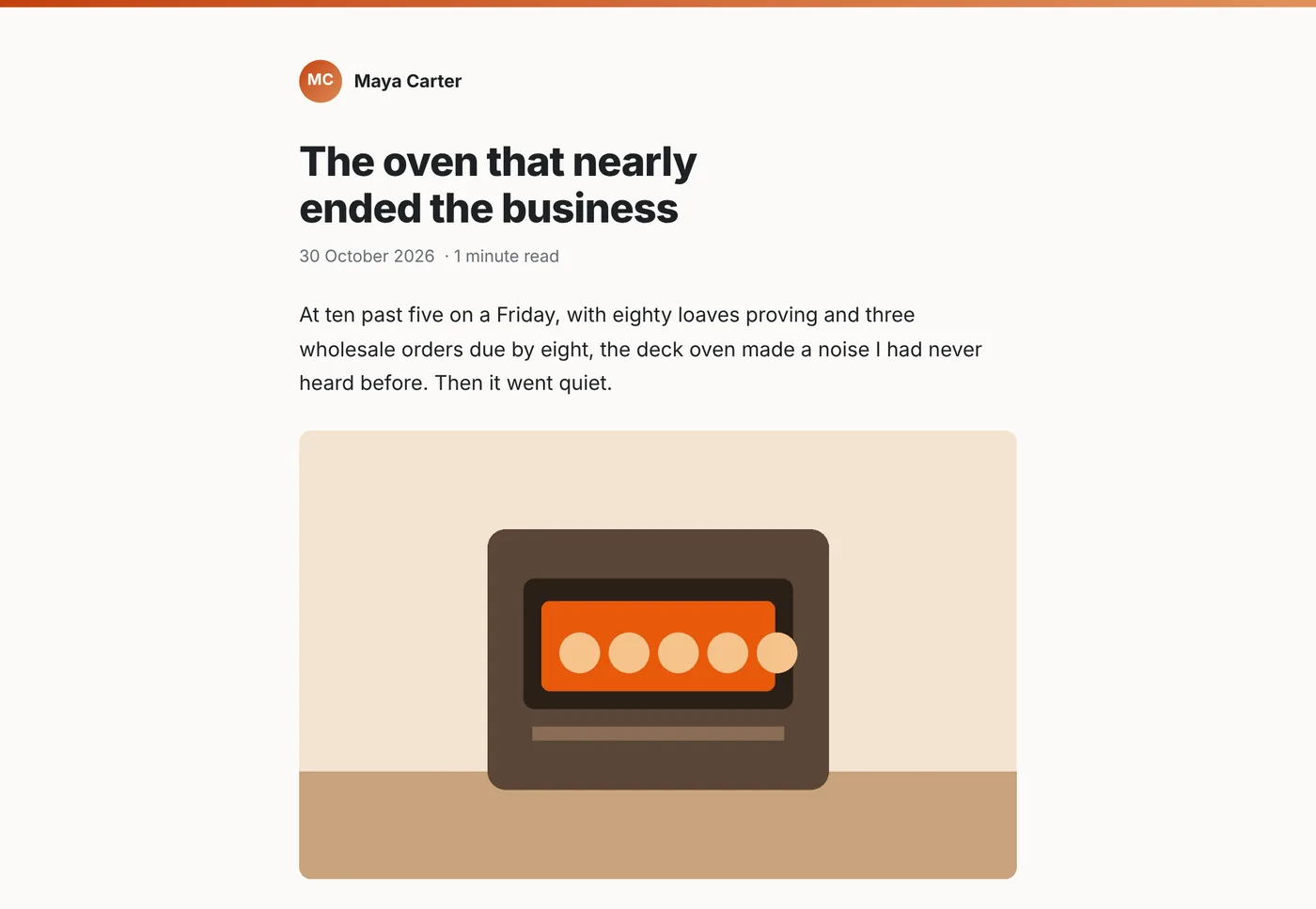
Send an email. It's a post.
Write in the email app you already use, on your phone or computer. The subject becomes the title, the email becomes the post, and pictures land where you put them.
Start the subject with Draft to keep it hidden, or with About to replace your About page. Hashtags on the last line become tags.
// changing posts
Change it by replying.
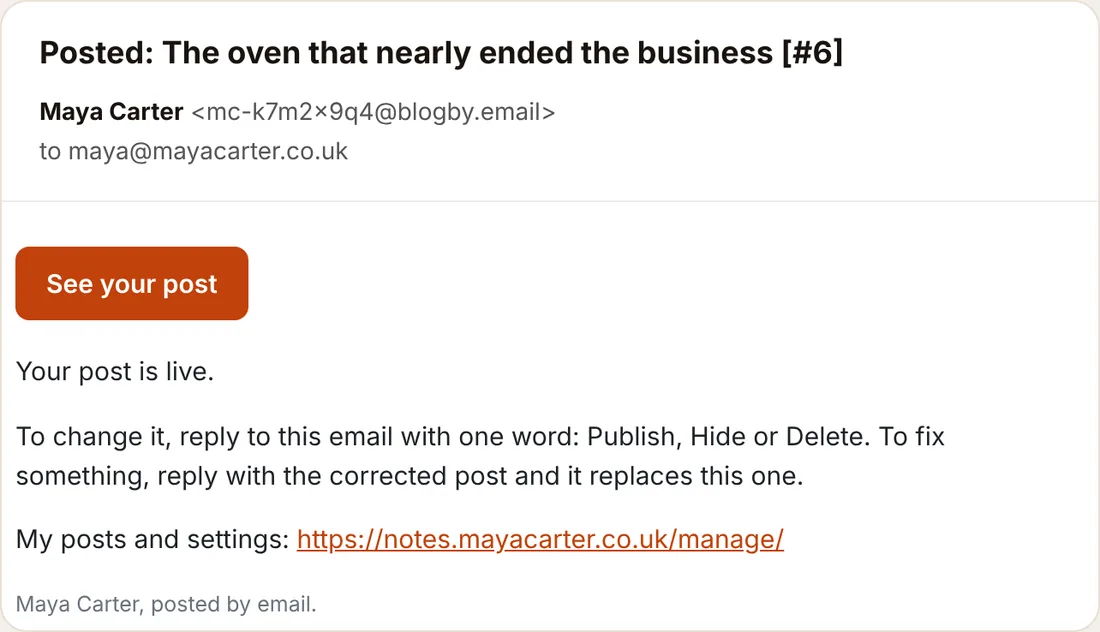
Every post sends you an email with its link. Reply with one word, Publish, Hide or Delete, or reply with the corrected post and it replaces the old one.
Got a typo? Send the same subject again within 24 hours and it updates the post.
// your posts
All your posts in one place.
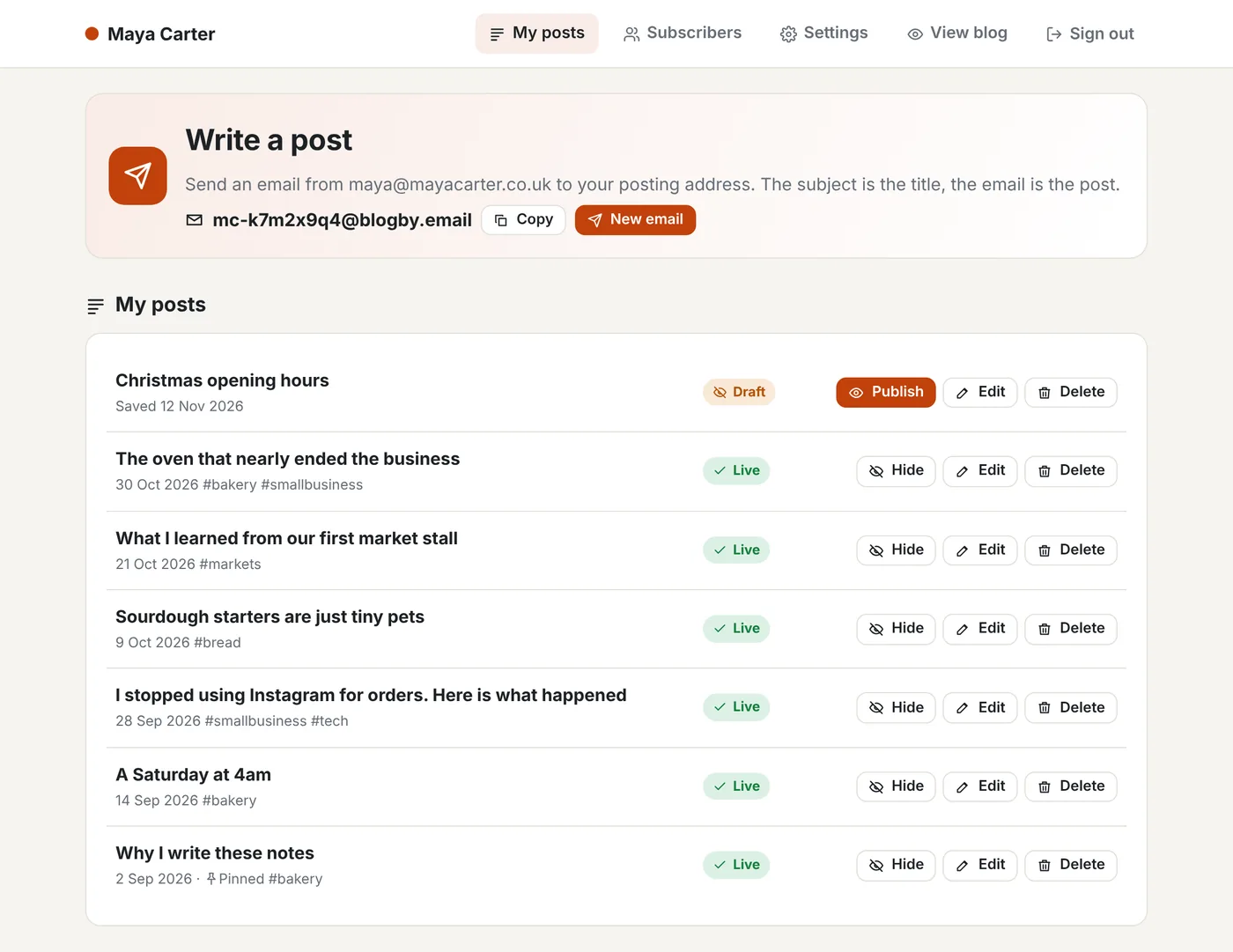
Sign in with a link we email you, with no password to remember. See every post, publish drafts, hide or delete posts, or make a quick edit on the web.
Deleted posts wait in the bin for 30 days, so nothing is lost by mistake.
// make it yours
Your colours, your photo, your domain.
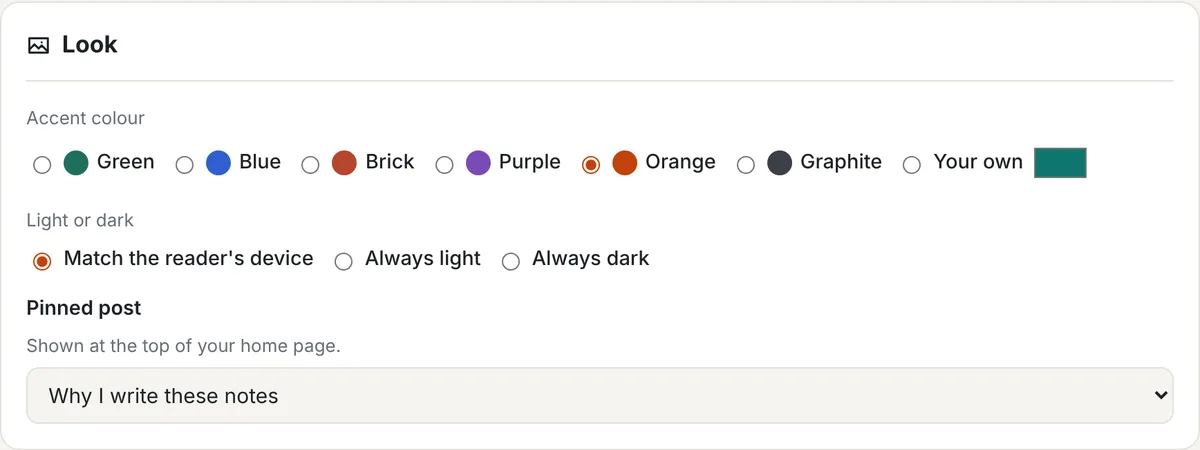
Pick an accent colour, light or dark, add your photo and pin a favourite post. Put it on your own domain, a subdomain or a folder of your website, or use the free address Cloudflare gives you.
Add follow icons for Bluesky, Mastodon, Instagram, YouTube, LinkedIn and more.
// readers
Readers can follow by email.
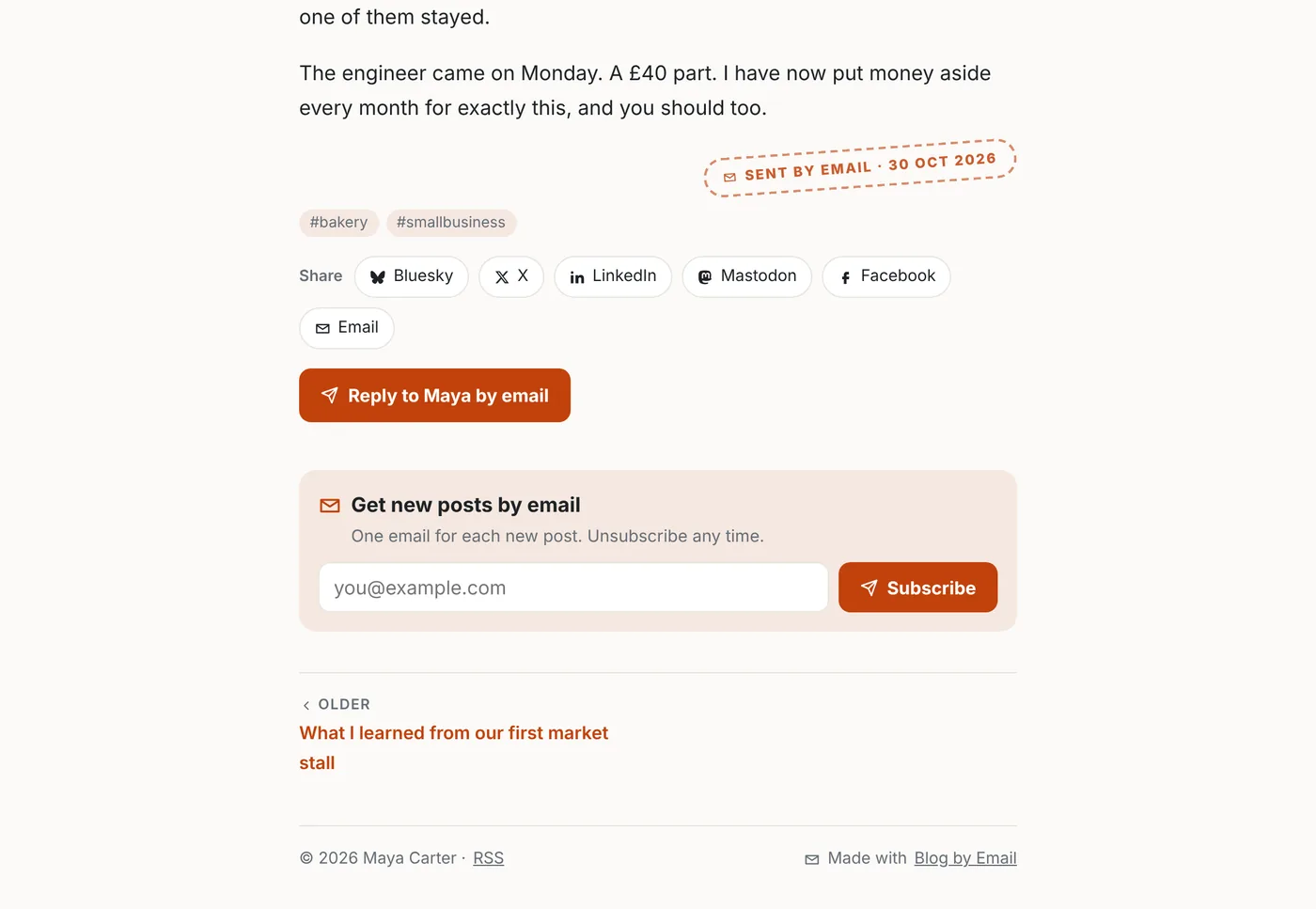
Switch on email subscriptions and a Get new posts by email box appears on your blog. Readers confirm their address and get each new post, sent from your own Cloudflare account.
Readers can also share a post, reply to you privately by email, or follow with RSS.
// light or dark
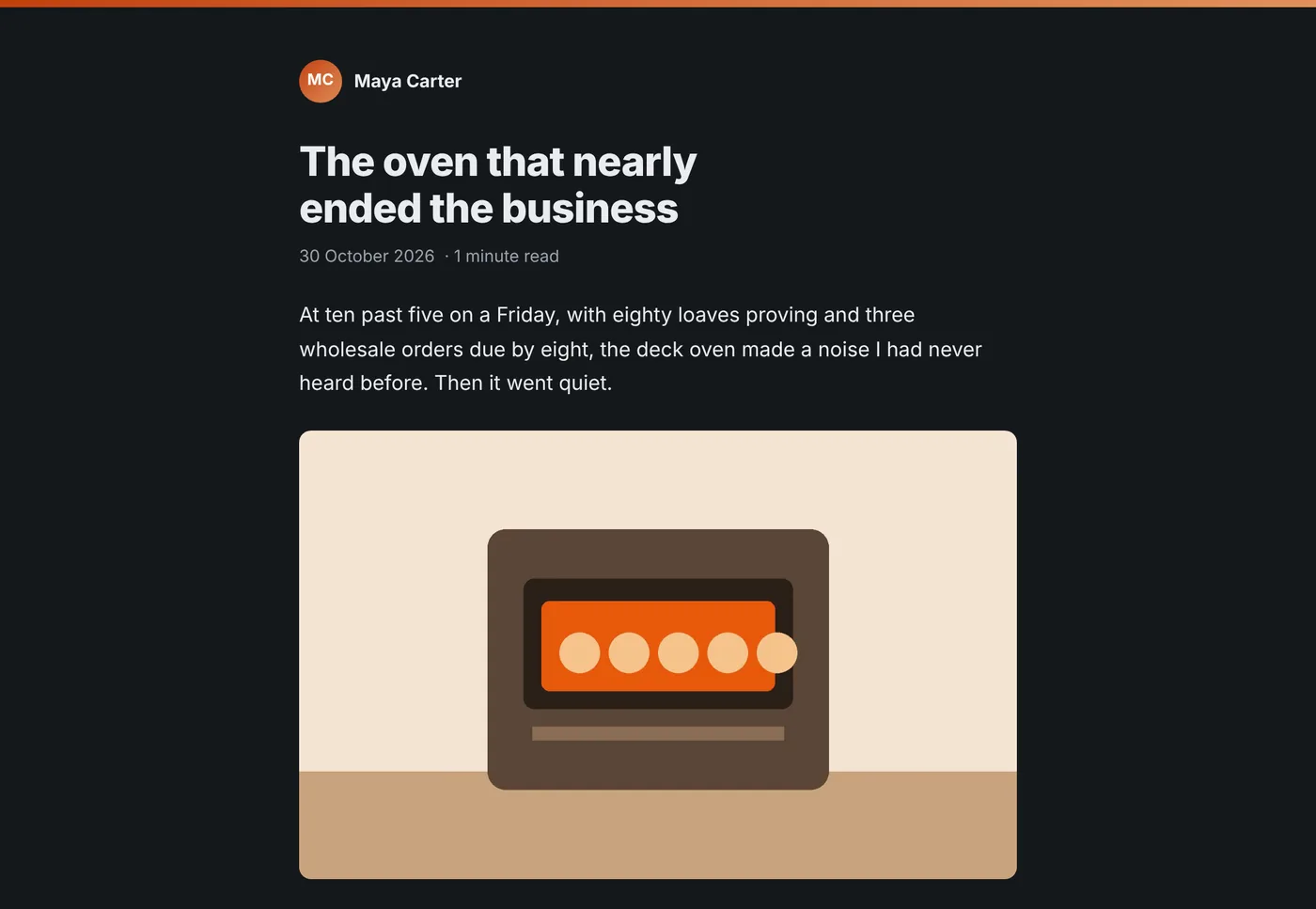
Easy to read, day or night.
Every blog has a light and a dark look, and follows the reader's device unless you choose one.
Pages are small, with no cookies and no adverts, so they load quickly even on a poor phone signal.
// every feature
Every feature.
Every feature is in the free app. There's nothing to unlock.
// how it works
Up and running in about 2 minutes.
A free Cloudflare account is all you need. Haven't got one? It takes two minutes and doesn't ask for a card.
Link your Cloudflare account
Cloudflare's sign in page asks you to allow Blog by Email to set up your blog.
Add your name and email address
Give your blog a name and tell it which email address you'll post from.
Send your first post
You'll get your blog's link and your private posting address. Send an email to it and you're live.
// hey world
An alternative to HEY World.
If you liked blogging on HEY World, Blog by Email works the same simple way. The difference is that it costs nothing and it's yours.
| Blog by Email | HEY World | |
|---|---|---|
| Price | Free | Needs a paid HEY account |
| Post from | The email address you already have | A @hey.com address |
| Where it lives | Your own Cloudflare account | HEY's servers |
HEY and HEY World belong to 37signals. Blog by Email has no link to them.
// get it
Install it in about 2 minutes.
It installs into your own Cloudflare account, on its free plan, with no card needed. Running the installer again updates your blog and keeps every post.
// release notes
Version 1.1.2: Links to our new home on paulobrien.dev.
Released 14 November 2026.
Read the release notes
// made by paul
Hi, I'm Paul.
I've spent the past 25 years working inside the world of email and web technology. I love how simple my own journal is to keep: I just email it in. So I've built the same thing for everyone.
I'm not charging for it. It runs on your own Cloudflare account, so it costs me next to nothing, and your posts are yours, not mine.
// questions
Questions.
Why is it free?
We're not charging for it. Your blog runs on your own Cloudflare account, on its free plan, so it costs us next to nothing. That plan covers around 3 million page views a month, so only a very busy blog would ever need Cloudflare's paid plan. There are no adverts and nothing is sold.
Do I need to be technical?
No. If you can send an email, you can run this blog. You'll need a free Cloudflare account to install it, and the installer does the rest for you in about 2 minutes.
Can I use my own domain?
Yes, if your domain is on the same Cloudflare account. Use your main domain, a subdomain such as blog.yourname.co.uk, or a folder of your existing website. You can move to it later and keep every post.
Can readers get my posts by email?
Yes. Switch on email subscriptions and readers see a Get new posts by email box on your blog. They confirm their address, then get each new post by email, with an unsubscribe link in every one. Open Subscribers in your blog's settings and press Check and switch on. The installer checks your account, sets up sending for your domain and sends you a test email. See the step by step guide.
How do I get help?
Email hello@blogby.email and we'll help. Tell us your blog's web address and what happened, and send a screenshot if you can.
// keep exploring
More of Blog by Email.
Stay in the loop
Subscribe for updates.
Leave your email and I'll tell you when there's a new version of one of my apps, or a new project to try. You can also use every tool on this site, free.