How it works
From your inbox to your blog.
What happens between pressing send and seeing your post, and how we make sure only you can post.
- Install it on your Cloudflare accountLink your Cloudflare account and the installer sets up your blog in about 2 minutes: a small database for your posts, storage for your pictures and the blog itself. It all runs on Cloudflare's free plan, with no card needed.
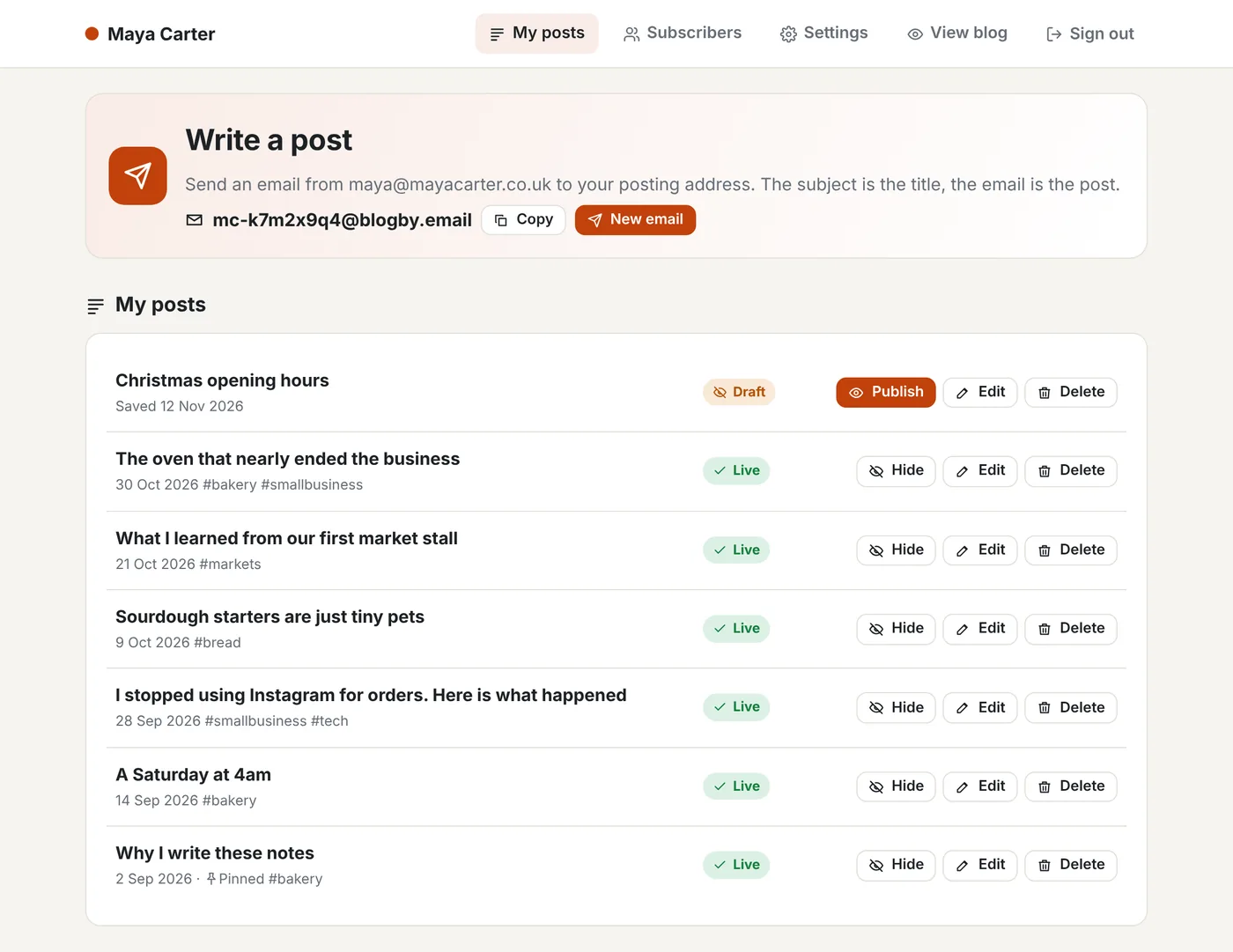
- You get a private posting addressYour blog gets its own address, such as mc-k7m2x9q4@blogby.email, or one on your own domain. Save it in your contacts as "My blog".
- Write an email and press sendThe subject becomes the title and the email becomes the post. Pictures you attach or paste appear where you put them, and hashtags on the last line become tags. Anything after a line with two dashes, such as your email signature, is left off.
- We check it's really youOnly email from your own address is posted, and only if it passes the same checks mail providers use to spot fakes (SPF, DKIM and DMARC). Nobody else can post as you, even if they know your posting address.
- It's live a few seconds laterYour blog stores the post in your own Cloudflare account and it's on your blog a few seconds after you press send. Subscribers get it by email 10 minutes later, so you have time to fix a typo.
- You get an email backEvery post sends you its link. Reply with Publish, Hide or Delete to change it, or reply with the corrected post.
// example
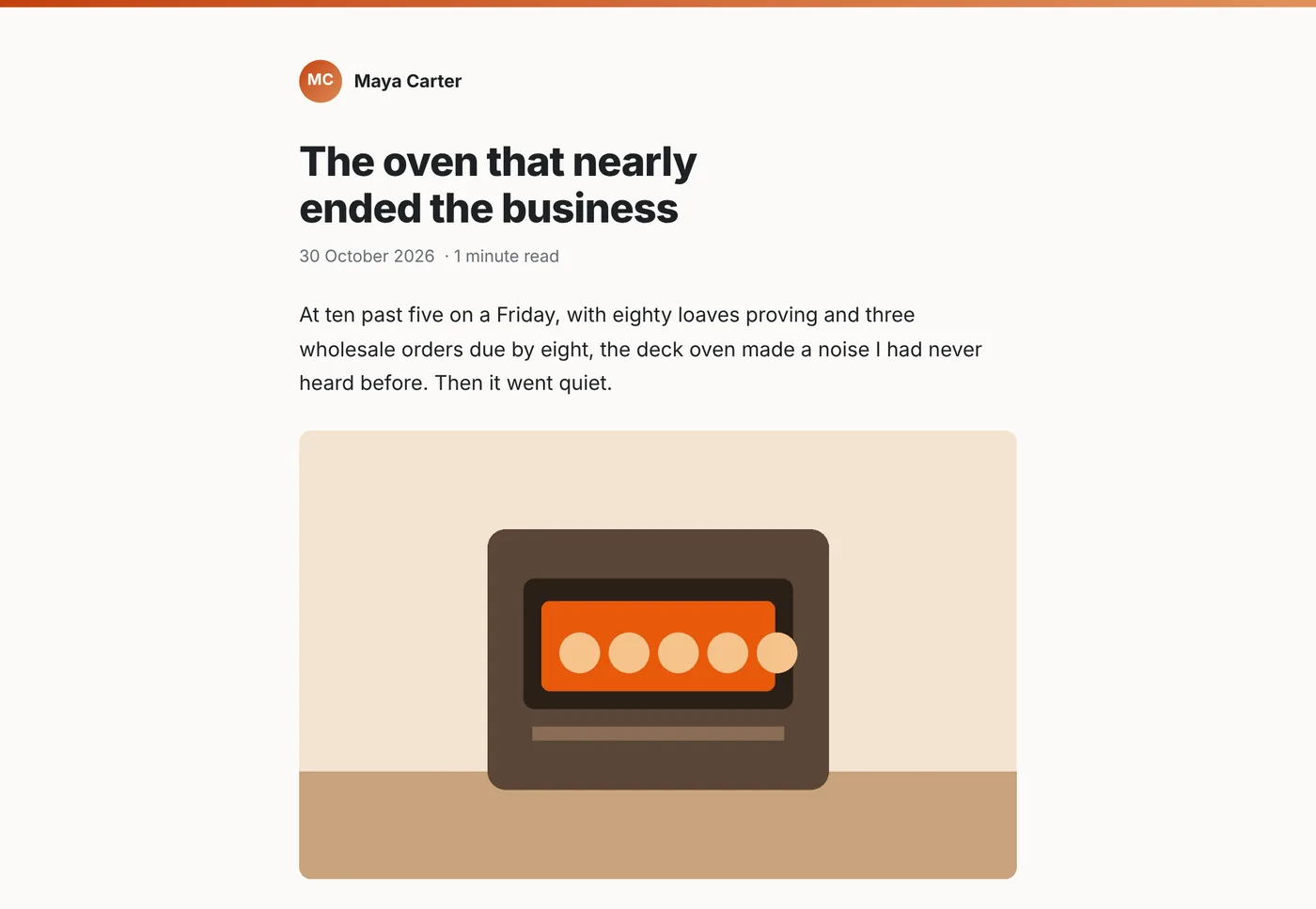
The email you send, and the post you get.
Here's a real post on our example blog. Maya sent it from her phone with one picture and two tags.
// where it lives
Your blog, your account.
Your posts, pictures, settings and subscribers live in your own Cloudflare account. We only keep your posting address and your blog's web address, so we know where to pass each email.
Running the installer again updates your blog to the latest version and keeps every post and setting.
Your next post is one email away.
// keep exploring
More of Blog by Email.
Stay in the loop
Subscribe for updates.
Leave your email and I'll tell you when there's a new version of one of my apps, or a new project to try. You can also use every tool on this site, free.