A project manager of my own
 Paul O'Brien · 3 min read
Evening all,
A Saturday, but it didn’t feel much like one. I have a new app of my own, JMAP Connect had one of its busiest days yet and there was plenty of tidying in between. Here’s the lot.
Plainwork, my own project manager
I’ve always loved a calm, simple project manager, and with this many apps on the go I needed one that works the way I do. So today I built my own. It’s called Plainwork, and it runs on Cloudflare like everything else I make.
Each project has its task lists, messages and files, and there’s a My work page showing everything due across the lot. The part I’m most pleased with is that Claude is connected to it. I can ask Claude to turn my notes into tasks, add an idea to my Ideas list or tell me what’s left on a project, and every change is logged with who made it.
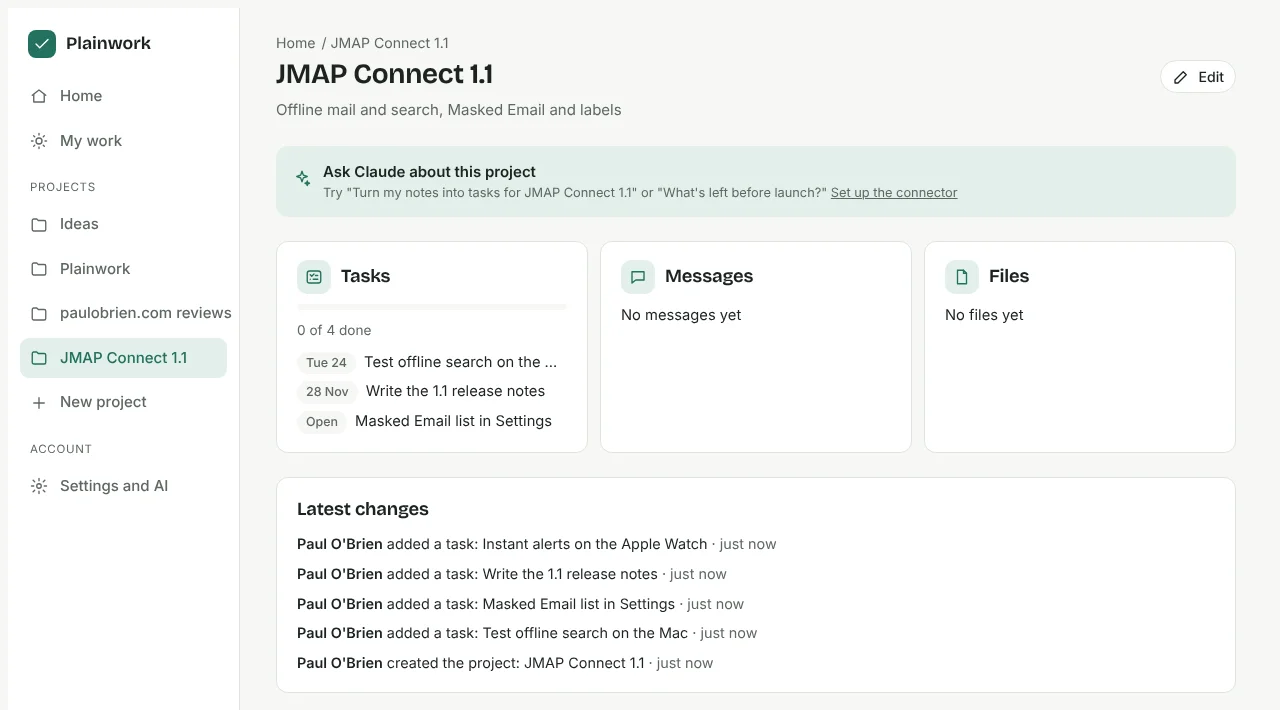
It’s functional rather than wow factor at the moment, but that can all come later. For now it’s just for me, and I’ll share more once I’ve lived with it for a while.
A busy day for JMAP Connect
Builds 246 to 256 of JMAP Connect went out to testers today, and there’s a lot in them.
- Widgets. Home Screen and Lock Screen widgets on iPhone and iPad, with your unread count and latest emails.
- Select several. Archive, delete, move, star or mark read lots of emails at once, with one Undo.
- Smart folders. Pin any search in the sidebar so it’s always one tap away.
- Tracker blocking. Hidden tracking pixels are taken out before an email is shown, with a note saying how many were blocked.
- Newsletter manager. Every mailing list from the last three months, how often it sends and how much of it you read, with Unsubscribe, Archive all and Delete all.
- Focus filters. Pick which accounts show in each Focus.
- Private AI. Summarise an email, draft a reply or catch up on unread mail, all with Apple Intelligence on your own device. It’s off unless you switch it on.
- Touch Bar. Reply, Archive, Delete and more on MacBook Pros that have one.
Contacts had a good going over too. The rows are bigger, each person has a card much like Apple’s Contacts and the page no longer comes up empty now and again.
None of this is in the first release. They’re all built and being tested now, and will follow as updates. You can see the full list in the new Coming soon section on the home page.
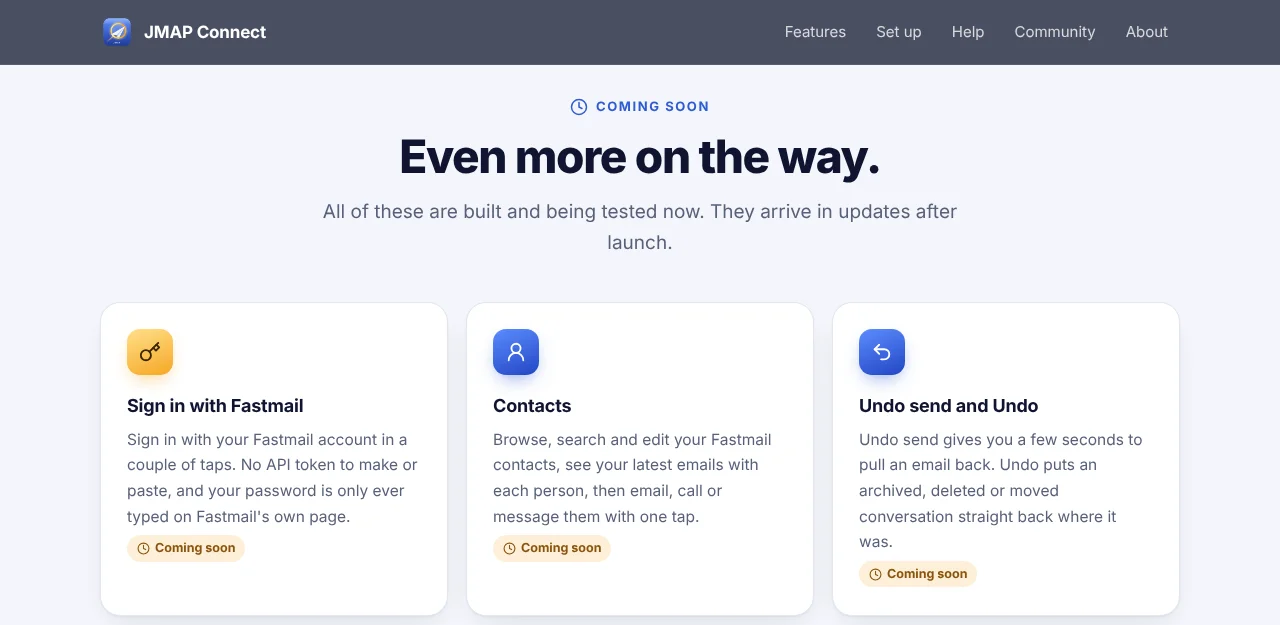
One handy tip has gone on the set up page as well. If you switch on iCloud Keychain, your other Macs, iPhones and iPads will offer to sign you in with the same key, so there’s nothing to paste again.
Bits and bobs
- Mail App. selfhostedmail.app now covers Other accounts and instant alerts for JMAP apps, both new in 2.8. From 2.9, Other accounts will be part of Pro.
- Fastmail. My post on moving my email from Google Workspace to Fastmail in 26 minutes went out this morning. I’ve also updated my Proton and Mailfence pages to say I’m back on Fastmail for my own email.
- Google Workspace. I refreshed my Google Workspace promo code page, and a step by step guide to moving your email to Google Workspace goes out tomorrow morning.
- Search. I went through what Google and Bing are seeing across my sites and fixed the old addresses Bing still asks for, so they now go to the right page.
That’s me for today. Enjoy the rest of your weekend, and speak soon.