
Managing email
Stay on top of your inbox. Without the effort.
Folders, labels, rules and shortcuts that keep your email organised, plus private storage for the files that come with it.
// folders and labels
Organise with folders and labels.
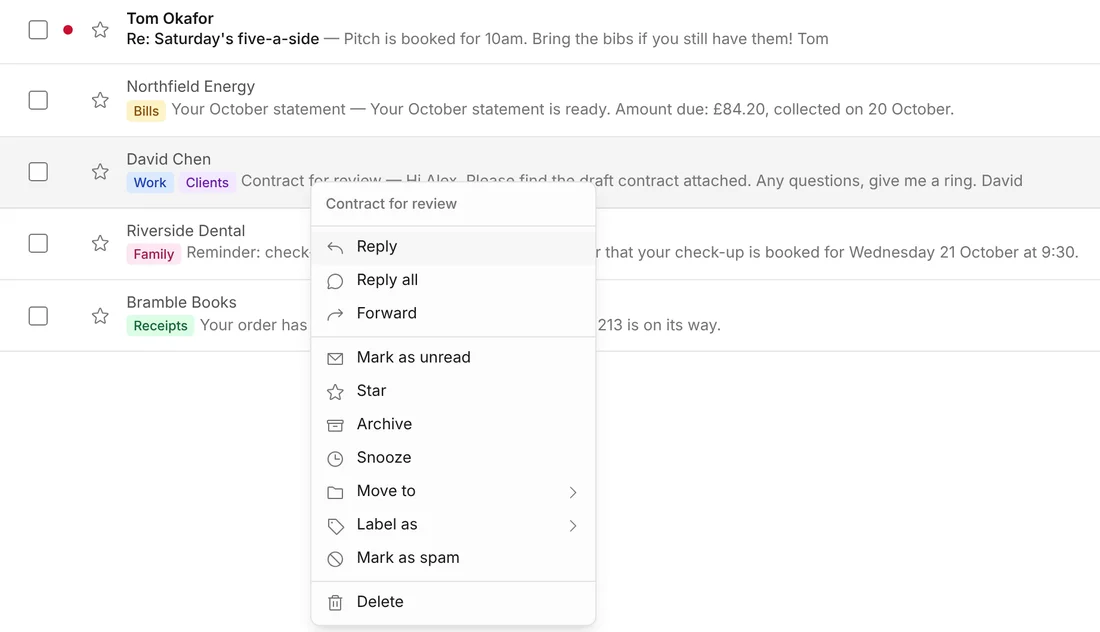
Use folders, labels or both. Right-click on a computer, or press and hold on your phone, to reply, label, archive or move an email without opening it.
// inbox rules
Let rules do the sorting.
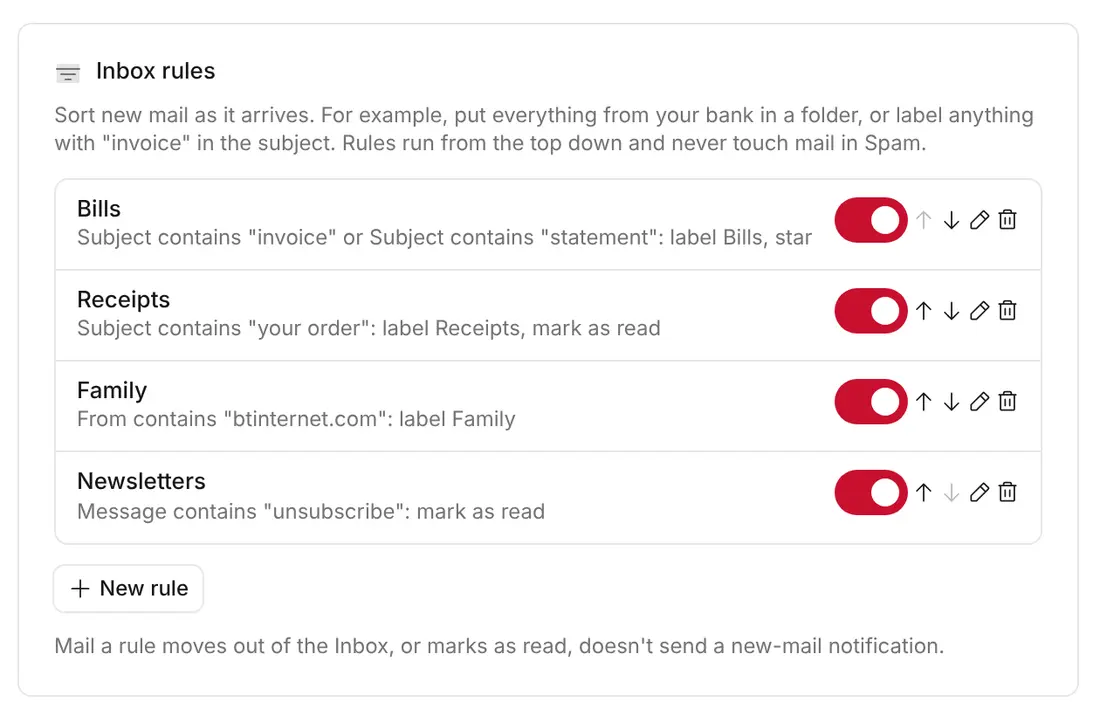
Sort new mail by who sent it, who it's to or what the subject says. Move it, label it, star it or mark it as read. Make a rule from any email in one click, and tidy up what's already in your inbox too.
// extra addresses
Every address in one inbox.
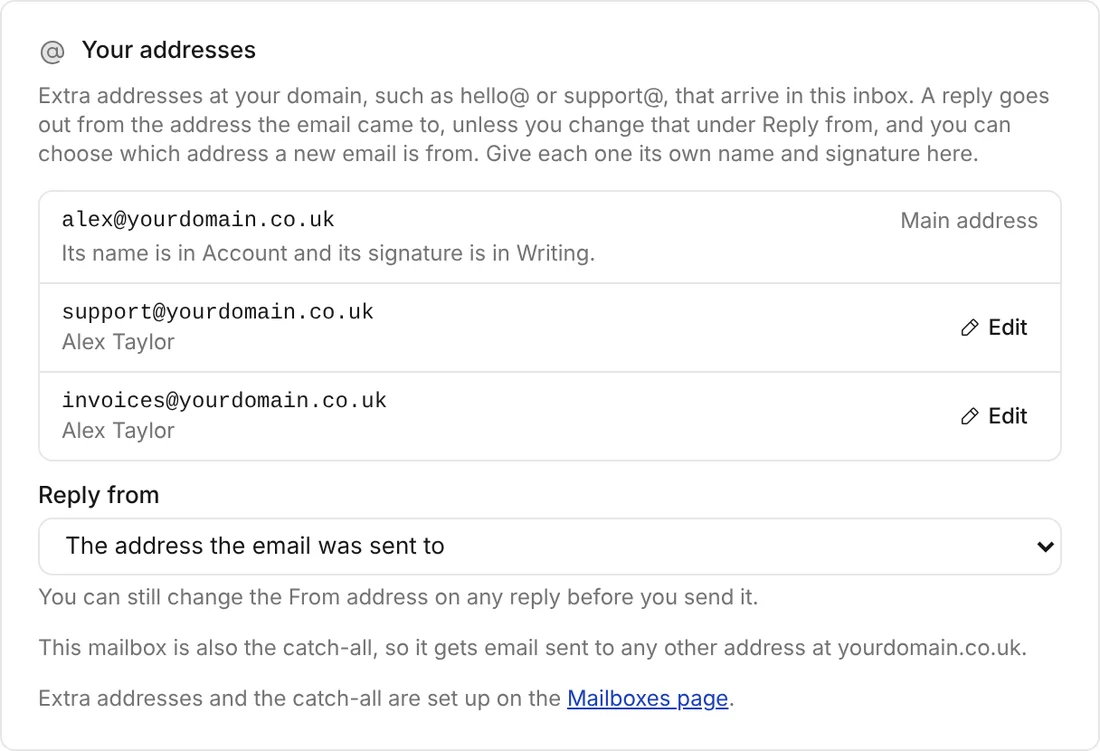
Have hello@ and support@ in a single inbox. Replies go from the address the email was sent to, and each domain can have its own catch-all, so mail to a misspelt address still reaches you instead of bouncing.
// files
Private storage for your files.
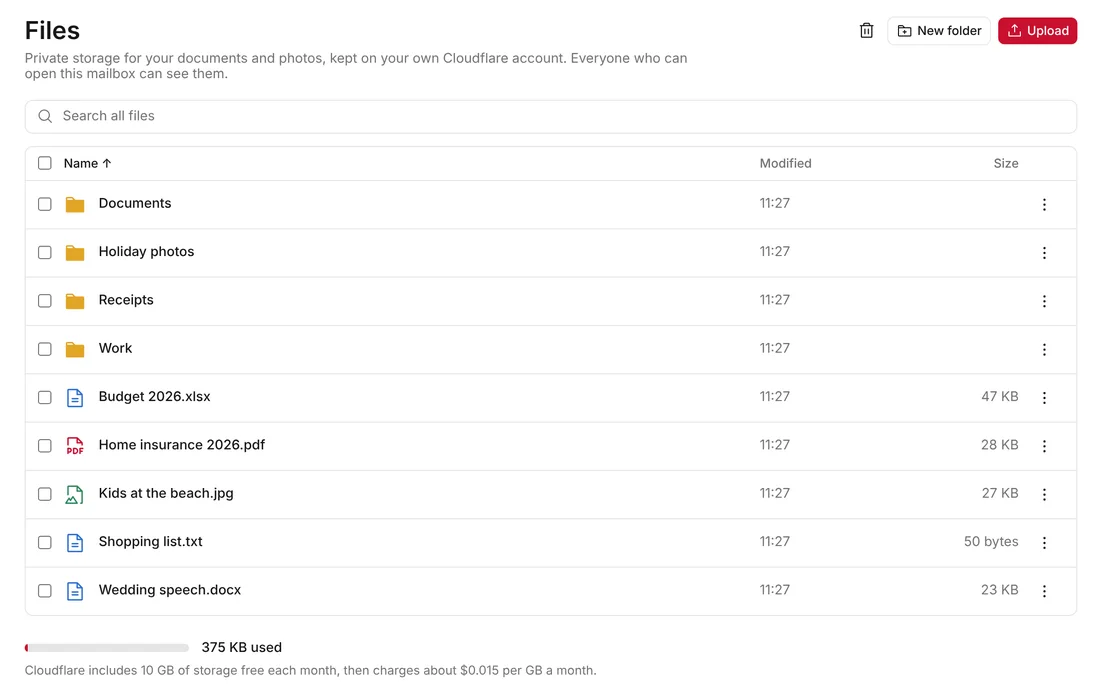
Keep your documents and photos in folders on your own Cloudflare account. Upload files up to 5 GB, open photos, PDFs, videos and music in the app and attach them to any email.
// forwarding
Pass mail on.
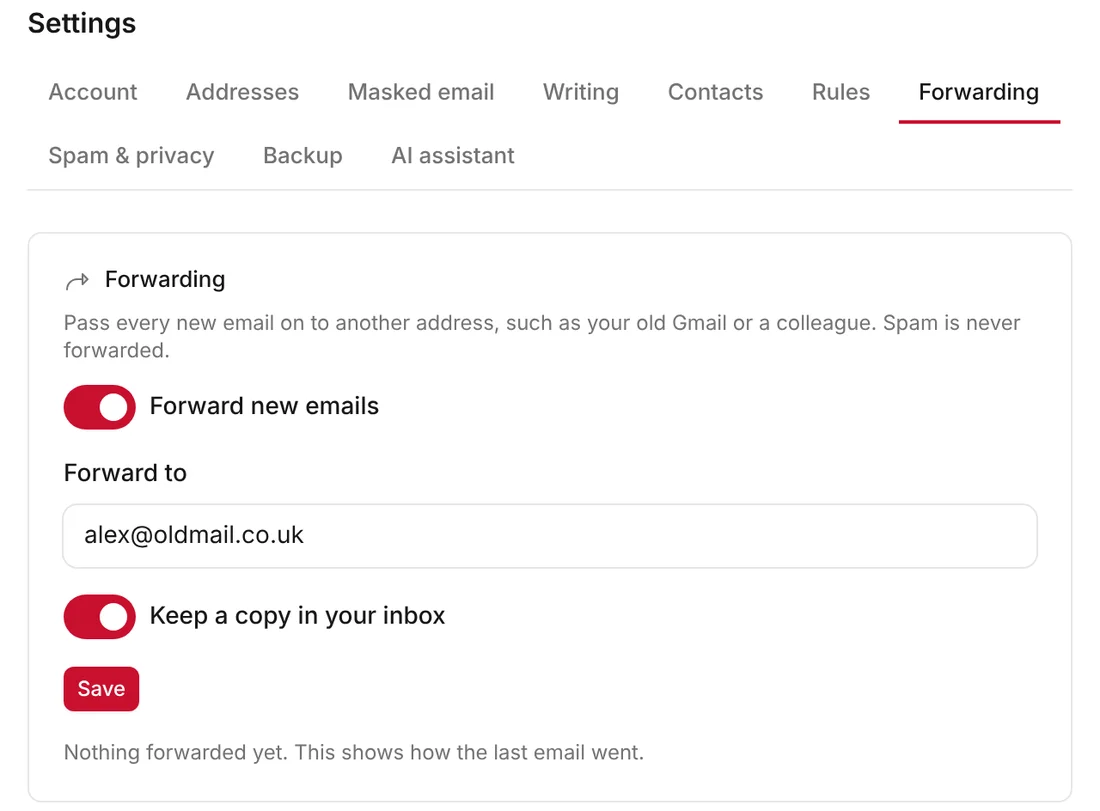
Send every new email on to another address, such as your old Gmail or a colleague. Keep a copy in your inbox, or file forwarded mail in Archive so your inbox stays clear. Spam is never forwarded.
// contacts
A smart address book.
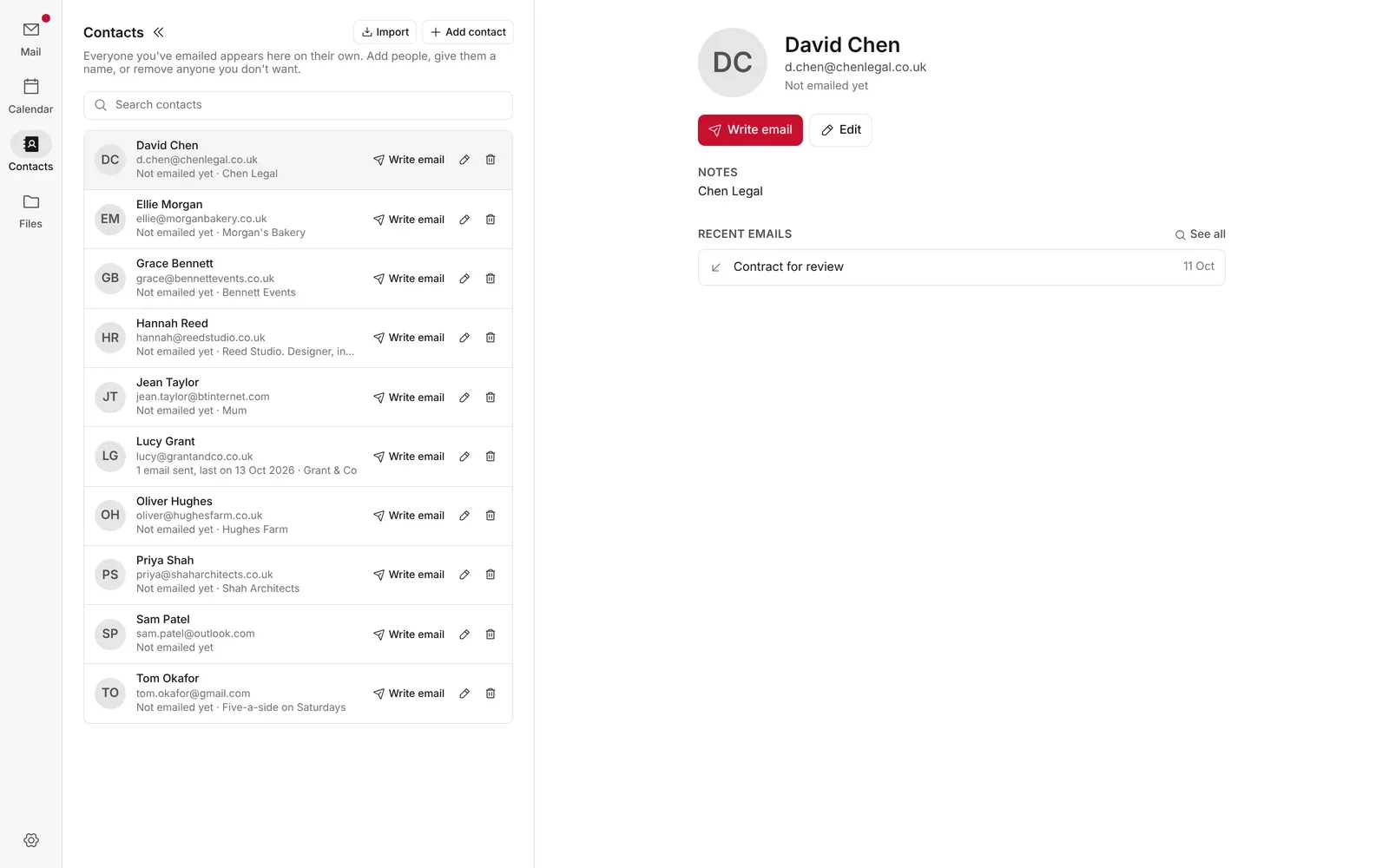
Addresses suggested as you type, every detail and every email you've swapped on one page and easy imports from Gmail, iPhone or Outlook.
// and more
The small things that save time.
// keep exploring
More of Mail App.
Stay in the loop
Subscribe for updates.
Leave your email and I'll tell you when there's a new version of one of my apps, or a new project to try. Nothing else.