Mail App: a deep dive
 Paul O'Brien · 6 min read
Mail App has had more releases than anything else I've made, sometimes three in a day, and most of them have only had a line or two in these updates. It deserves a proper write up of its own, so here it is: what it is, how it works under the bonnet, a tour of the app, who I think it's for and how it compares with Mailflare and with hosted email from Google and Microsoft. It now has a website of its own too, at selfhostedmail.app.
Contents
- Why I built it
- How it works
- A tour of the app
- Who it's for
- Mail App vs Mailflare and hosted email
- What it costs to run
- Free and Pro
- What it isn't
- Getting started
Why I built it
I've spent years reviewing email providers, and the same thing always bothered me. Business email is priced per person, every month, forever. A family or a small team with a few shared addresses ends up paying for seats they barely use, and their mail sits on somebody else's servers.
Cloudflare already receives email for free with Email Routing, and it can now send it too. So I wanted to see if I could build a proper mail app, with an inbox, a calendar and contacts, that lives entirely inside your own Cloudflare account. No per seat fees, no mail on my servers and nobody reading it but you.
How it works
Mail App is a Cloudflare Worker, plus the Cloudflare services that come with your account:
- Email Routing receives your mail, at no cost.
- Email Sending sends it, from your own domain.
- Durable Objects give each mailbox its own store for email, contacts, calendar and settings.
- R2 holds attachments, your files and the nightly backups.
- Cloudflare Access handles signing in, with a passkey or a one time code, so there's no password to steal.
- Workers AI drafts replies and summaries if you want it to. It's off until you switch it on.
Installing it is one command. The installer signs in to Cloudflare, sets up Email Routing, the DNS records, storage and sign in, and gives you your own web address, such as mail.yourdomain.co.uk. There's also a Deploy to Cloudflare button. Updates are one command too, and your mail stays where it is.
A tour of the app
Here are the parts I use most, all shown with a test mailbox, so the people in it are made up.
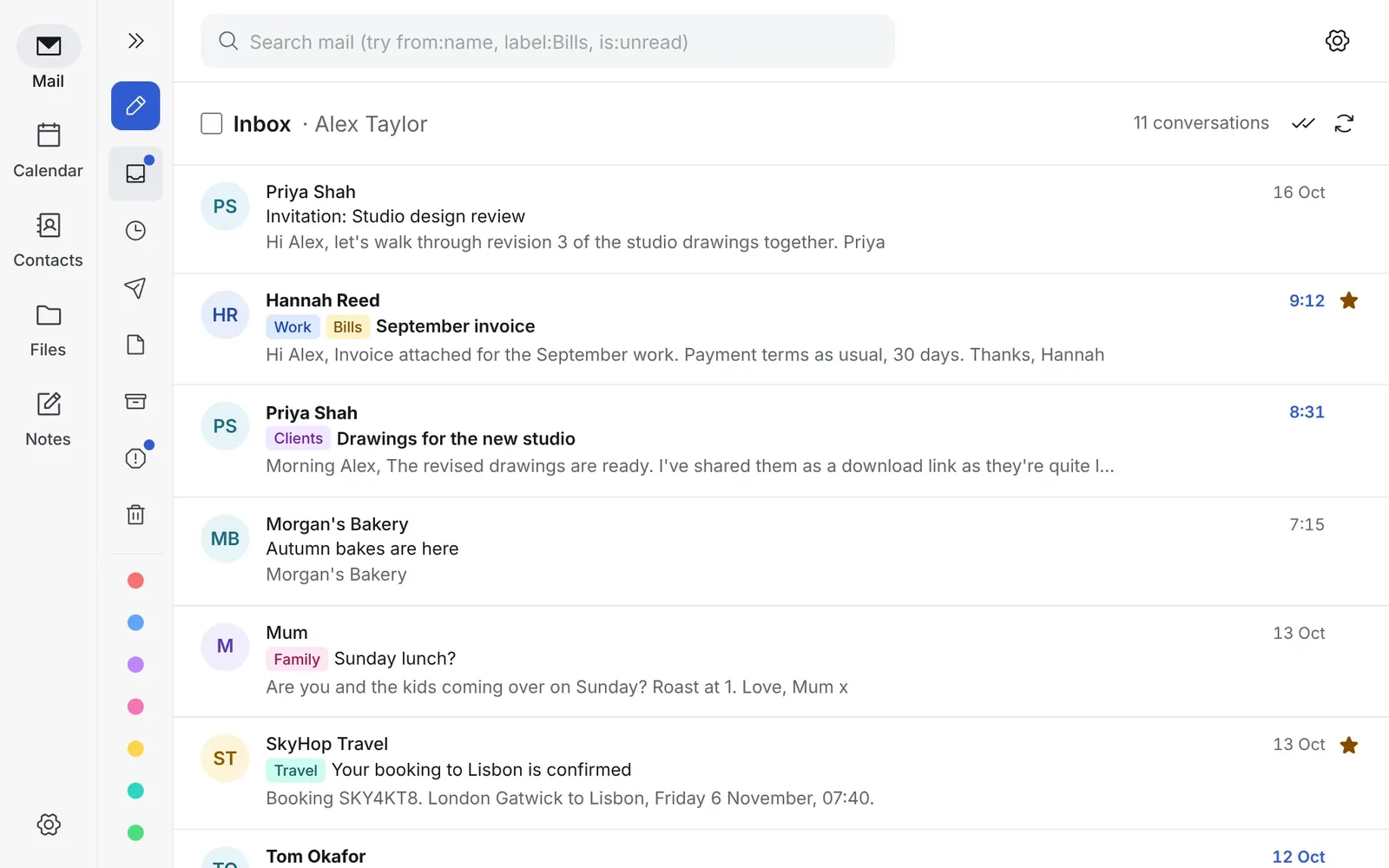
The inbox. Folders, colour labels or both, full text search, snooze, scheduled send and a reminder if nobody replies. Newsletters get an Unsubscribe button at the top, and you can type a quick reply right under an email.
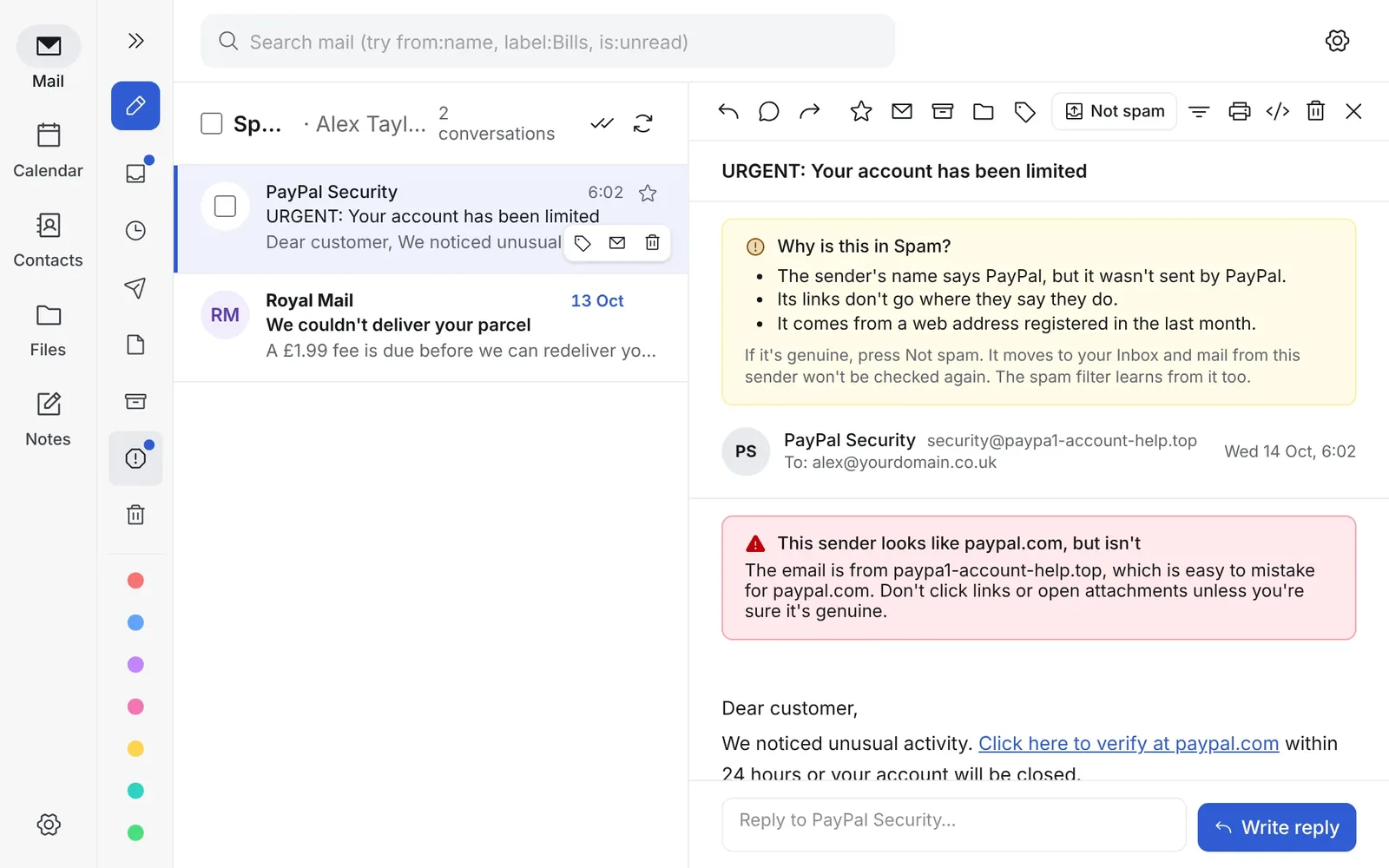
A spam filter that explains itself. This is the bit I'm proudest of. Every email moved to Spam says in plain English why, such as a sender name that says PayPal when it wasn't sent by PayPal. Look alike addresses like paypa1.com get a clear warning, tracking pixels are removed and masked email gives you a different address for every website.
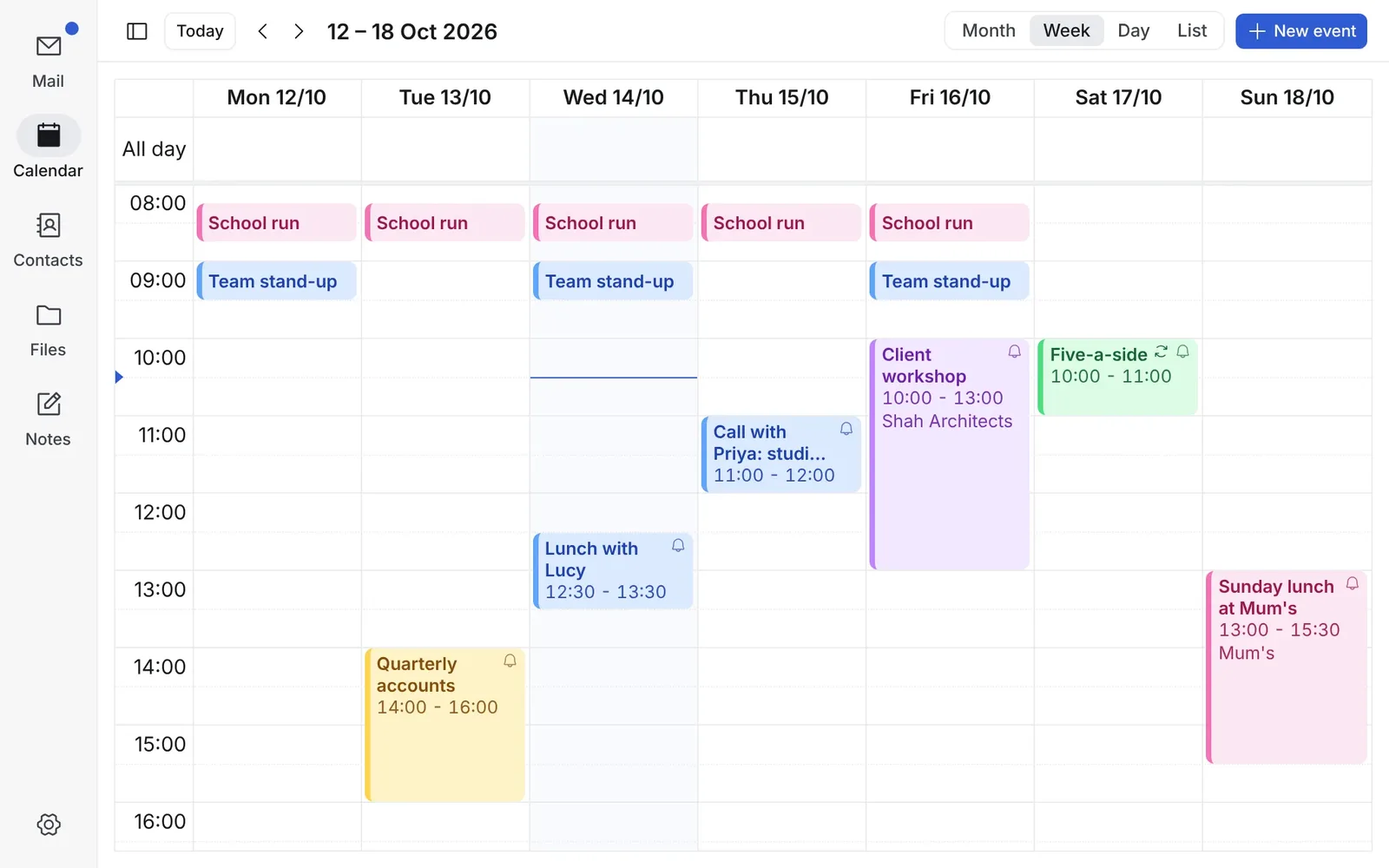
Calendar and contacts. Month, week, day and agenda views, invitations that work with every provider, repeating events and a Jitsi Meet link in one click. It syncs with Apple Calendar, Outlook and Google Calendar.
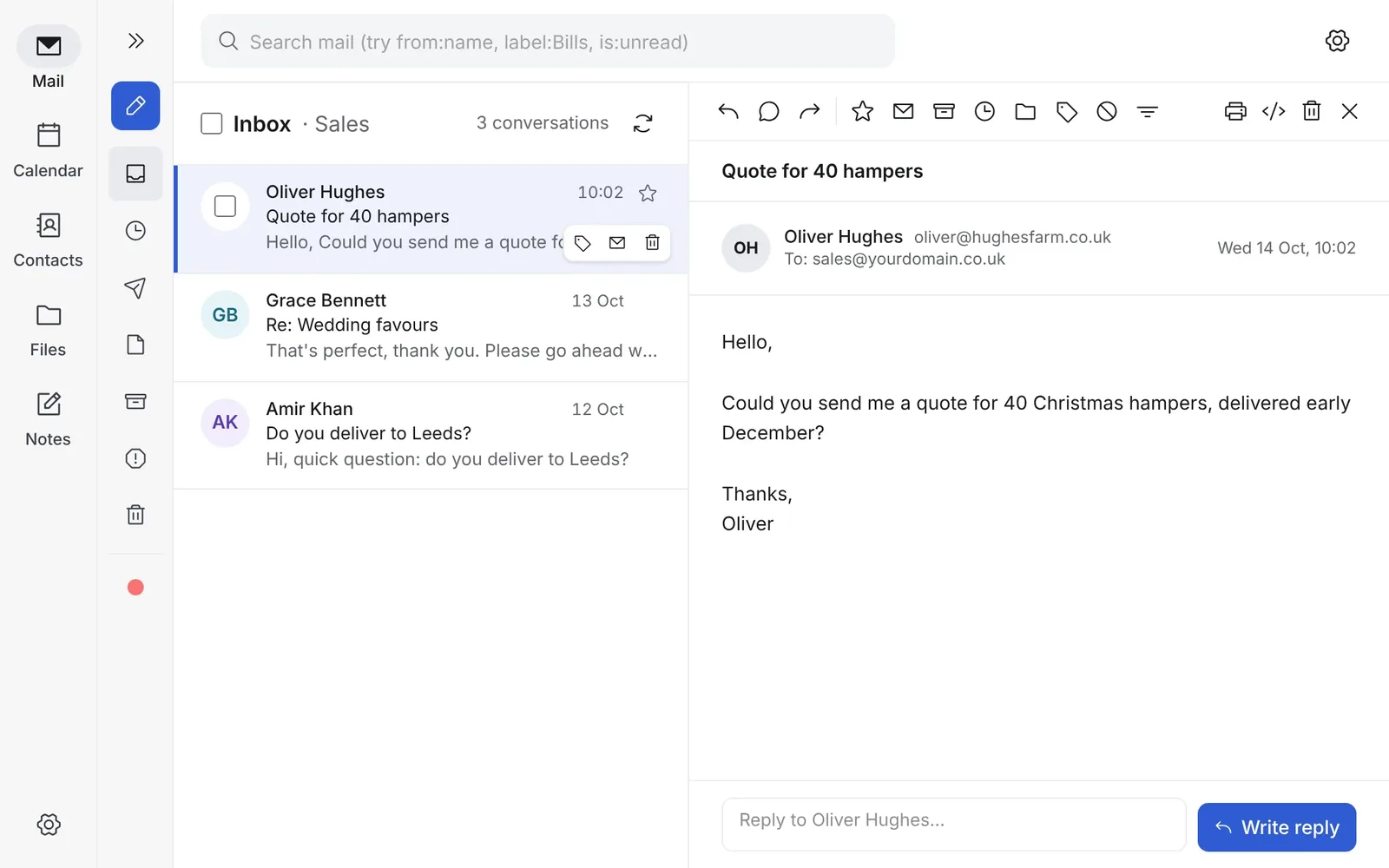
Shared inboxes. Put hello@, sales@ and support@ in everyone's sidebar, with each reply showing who sent it. Team members sign in with their own details and only see the mailboxes you give them.
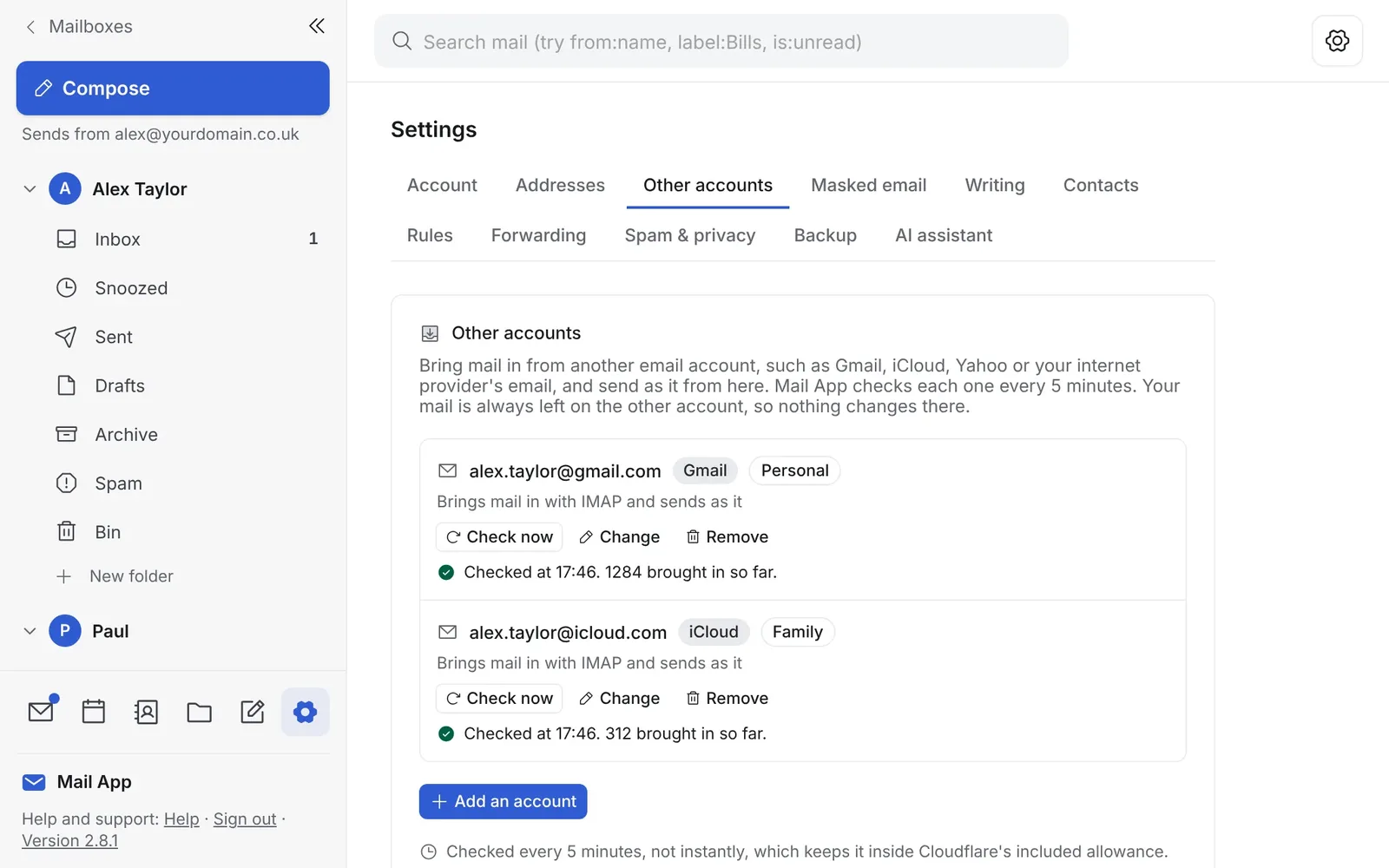
Other accounts. Bring Gmail, iCloud or any IMAP or POP3 account into the same inbox, and send as it too. Mail is always left on the other account, so nothing changes there.
Files and backups. Keep documents beside your email, send files up to 95 MB as encrypted download links and get a backup of every mailbox each night.
On your phone and in Outlook. Mail App installs from your browser as an app on your computer and phone, with notifications and unread badges. With Pro it's also a JMAP server, so modern mail apps can connect with instant alerts, and Mail App Bridge connects classic Outlook on Windows. JMAP Connect, my own app for Mac, iPhone and iPad, works with it and is coming to the App Store soon.
Who it's for
Families and personal use. Your own domain, a few mailboxes and as many masked addresses as you like, without a monthly bill for each person.
Small businesses and teams. Shared inboxes and team calendars for one yearly licence, not a fee for every person every month.
People who care where their mail lives. Everything stays in your own Cloudflare account. I never see it, and neither does anyone else.
Agencies and hosts. White label branding with your own logo, name and colours. Hosting it for clients needs a commercial licence, so get in touch.
Mail App vs Mailflare and hosted email
Mailflare also runs on Cloudflare, and I have a lot of time for it. It's open source, it speaks 34 languages and it runs in Docker too. Hosted email from Google, Microsoft or Fastmail is a different thing again: someone else looks after it, and you pay for every person.
| Mail App | Mailflare | Hosted email | |
|---|---|---|---|
| Where your mail lives | Your own Cloudflare account | Your Cloudflare account or your own Docker server | The provider's servers |
| How you pay | Cloudflare usage, plus Pro for teams | Cloudflare or server costs, plus optional licences | A fee for every person |
| Setting up | An installer that does DNS, routing and sign in | A Deploy to Cloudflare button, Docker or an AI prompt | The provider does it |
| Signing in | Passkey or a one time code, no password | Password with two factor codes, or a passkey | The provider's own sign in |
| Spam filter | A plain English reason for every email | Sender records, blocklists and a filter you train | The provider's own |
| Looking after it | You, with one command updates | You | The provider |
If you'd rather never think about your email at all, a hosted provider is still the right answer, and I use Fastmail for my own main address. If you want your mail in your own account without paying per person, that's what Mail App is for. There's a full comparison on the Mail App site, and a longer Mailflare and Mail App write up on paulobrien.com.
What it costs to run
You pay Cloudflare directly for what you use, never per person. Receiving email is free on Cloudflare's free plan. Sending needs Workers Paid, which is $5 a month and includes 3,000 emails a month for your whole account. Past that it's about $3.50 for every 10,000 extra emails. Most people and small teams stay inside the $5. There's a full breakdown with worked examples.
Free and Pro
The free edition covers up to 3 domains and 3 mailboxes, with 10 aliases on each, and has the webmail, calendar, contacts, files, labels, rules, masked email and the spam filter. Pro is the same app unlocked with a yearly licence key, and adds unlimited domains, mailboxes and aliases, catch all, shared inboxes and calendars, other accounts, JMAP, Outlook Bridge, white label branding and email help. Pro licences go on sale soon.
From version 2.9, Mail App is source available under the Business Source License 1.1. Every line of the code is on GitHub, and each release becomes Apache 2.0 four years after it comes out.
What it isn't
To be fair about it, Mail App isn't for everyone.
- It isn't a hosted service. You need a Cloudflare account and a domain on Cloudflare's DNS, and you're the one who runs it, although the installer does the hard parts.
- You can't send to outside addresses on Cloudflare's free plan, so for real use you'll want Workers Paid.
- It's in English only for now.
- Big senders should look elsewhere. It's built for people and teams, not newsletters. That's what Newsletter Sender is for.
Getting started
Everything is on selfhostedmail.app. Start with the install guide, which lists exactly what you need, then run the installer and sign in with a passkey. Bugs and questions go on GitHub, where everyone can see the answers. I'd love to hear how you get on.
As always, sharing the love.